
Cricut and Silhouette files
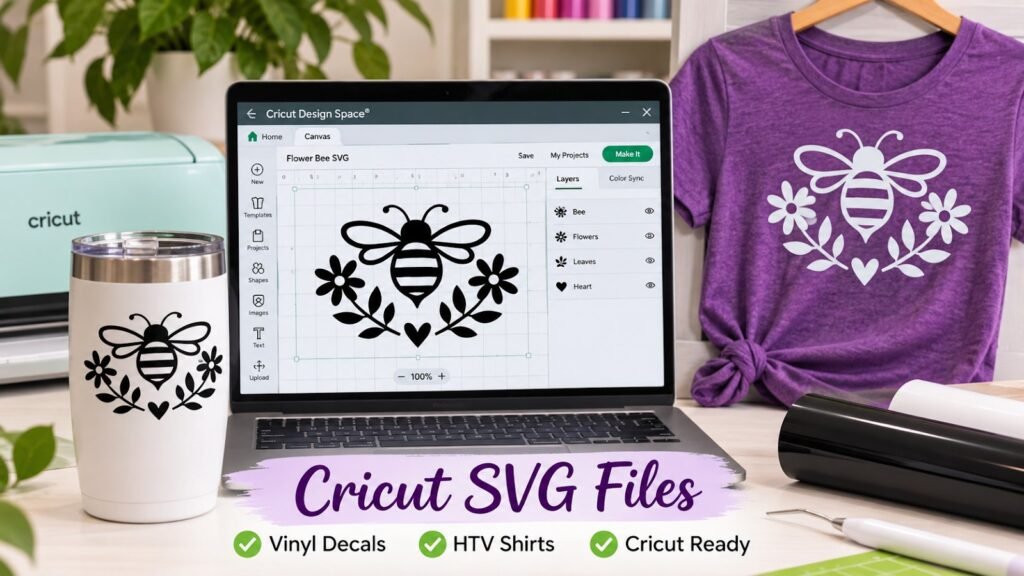
We make custom Cricut SVG files and Silhouette cut files for iron-on (HTV), vinyl decals, stickers, stencils and layered designs. Every file is drawn with clean, closed paths and details big enough to weed, so it cuts and lifts without tearing.
Our Cricut SVG files are built to cut cleanly in Design Space without welding, slicing or fixing. Every Cricut cut file has closed paths, sensible layers and details large enough for a blade, so it is ready to cut as soon as you upload it.
| Price | Quoted per design — send your idea or artwork for a price |
| What you get | A cut-ready file that opens in Cricut Design Space or Silhouette Studio |
| File formats | SVG, DXF, PNG and EPS |
| Proof | You approve a proof first |
| Delivery | By email — nothing to ship |
What makes a good cut file
- Each colour on its own layer, so Design Space splits it into separate mats
- Text welded, so script letters cut as one piece instead of overlapping
- No hidden duplicate shapes that cut twice
- Details no thinner than you can weed — very fine lines tear on HTV
- Layered designs aligned, with each layer sized to sit on the one below
- Editable versions where you can change the name or date
Cricut vs Silhouette
| Software | Files that work | Note |
|---|---|---|
| Cricut Design Space | SVG, DXF, PNG, JPG | SVG keeps layers and colours; PNG and JPG import as a single flat layer |
| Silhouette Studio (Basic) | DXF, PNG, JPG | SVG import needs Designer Edition or higher |
| Silhouette Studio (Designer+) | SVG, DXF, PNG, EPS | Full layered SVG support |
Tell us which machine and software you use, and we send the format that keeps your layers intact.
What we design
- T-shirt designs for iron-on and heat transfer vinyl
- Vinyl decals for cars, windows, tumblers and walls
- Stencils for painting signs and wood
- Layered SVG designs, monograms and split names
- Quotes, typography and custom fonts laid out to cut
- Farmhouse, floral, animal and seasonal designs
- Christmas, Halloween, Easter, birthday and wedding SVGs
- Business logos converted to cut files
HTV tips we design for
Heat transfer vinyl is cut face down, so the design must be mirrored before cutting. We deliver files unmirrored and remind you to mirror in Design Space. For multi-colour HTV, we add small overlaps or knockouts so colours layer cleanly without bulky stacks.
Cricut SVG, PNG and DXF files
Cricut SVG is the best format for cutting because each colour arrives as its own layer. We also supply Cricut PNG files for print-then-cut, and Cricut DXF and Cricut EPS files for other software. Every Cricut compatible file is checked for tiny pieces, overlapping shapes and open paths, the three things that most often ruin a cut.
Cricut shirt designs, decals and stencils
- Cricut T-shirt designs and Cricut iron on designs for heat transfer vinyl (HTV)
- Cricut vinyl designs and Cricut decal SVGs for cups, cars and walls
- Cricut sticker designs for print-then-cut
- Cricut stencil files for painting signs and shirts
- Cricut layered SVGs and Cricut editable SVGs with replaceable names
We don’t mirror the file. You mirror HTV in Design Space, so the same file works for both vinyl and HTV.
Silhouette Cameo files and Cricut themes
The same artwork can be supplied as Silhouette Cameo files and Silhouette SVGs, for the Basic or Designer Edition. We design Cricut monogram SVGs, Cricut quote SVGs, Cricut font designs, Cricut typography designs and seasonal Cricut SVGs for Christmas, Halloween, Easter, birthdays and weddings, as well as Cricut farmhouse, floral and animal SVGs and Cricut business logo SVGs. Ready-made Cricut design bundles are being built; until then, a themed set can be made to order.
Common questions
Can you turn my logo into a Cricut file?
Yes. We redraw it as a clean vector and split it into colour layers.
Can I sell shirts made with my custom file?
Custom files made for you are yours to use, including on products you sell.
Do you sell ready-made SVG bundles?
A library of ready-made SVG designs is being built. Right now every file is made to order.
Will the SVG open in Cricut Design Space on my phone?
Yes. Design Space on iOS and Android opens SVG files. Save the file to your device first, then upload it.
Can you turn my logo into a Cricut cut file?
Yes. We trace it into clean vector shapes and separate the colours into layers for vinyl or HTV.
Get a free quote
Send us your idea or artwork, the finished size, the material and your machine. Choose “Vector art” as the product and mention “Cricut SVG”, and we will come back with a price. If you cannot attach artwork here, email it to hello@sewwhatembroiderydesigns.com.